AirPlx for FBO Networks
One standard. Every base.
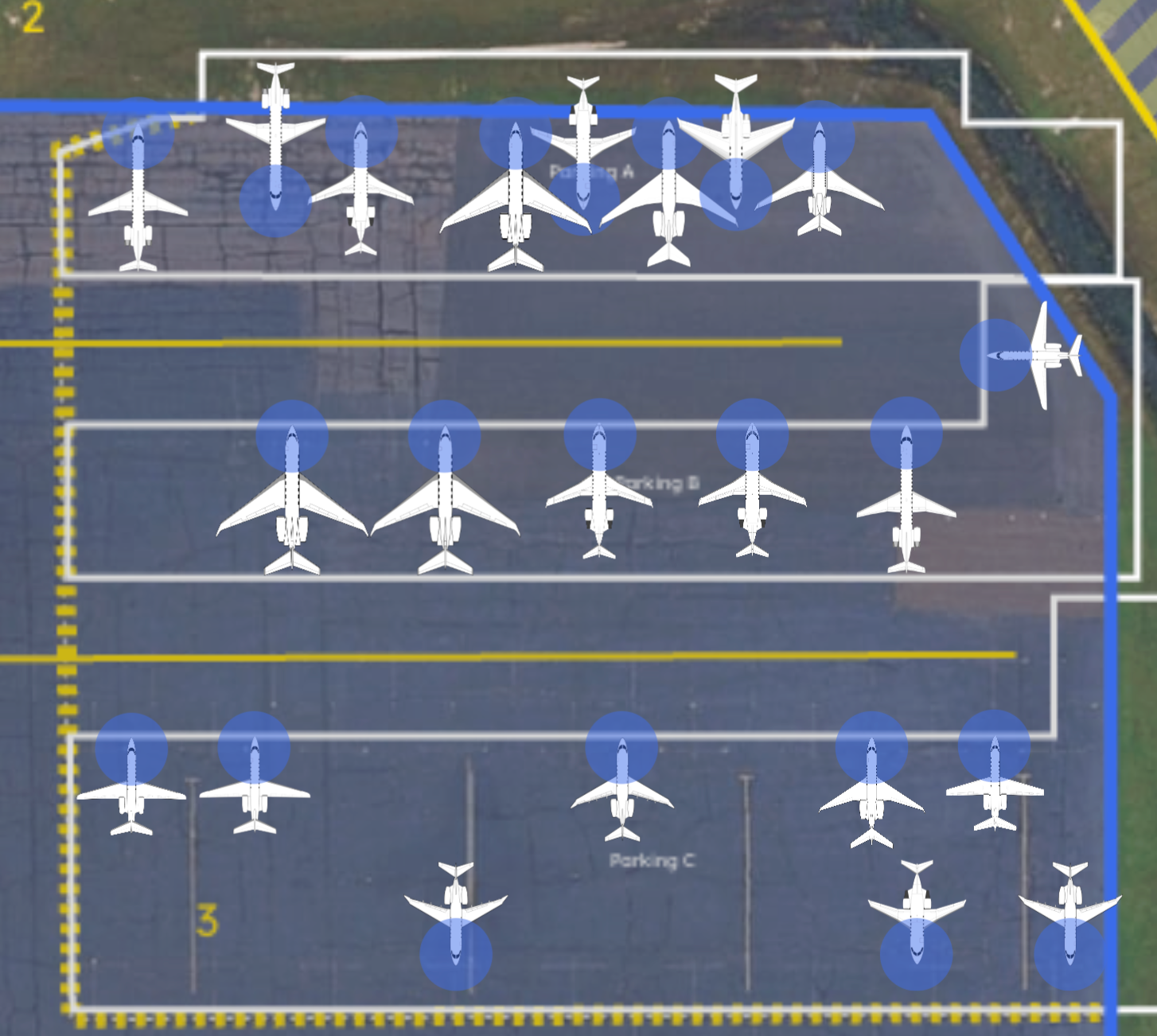
Network-wide visibility without breaking local operations. Standardize ramp and hangar planning across every base while each one keeps running the way its field works, day to day.
The outcomeLeadership sees the whole network, and no base waits on head office to plan its own ramp.
“If anyone ever asks me about AirPlx, that's the first thing I'll say. You listen, you move fast, and you deliver.”
How a network runs on AirPlx
Network visibility without getting in the way.
 01
01Set the standards once
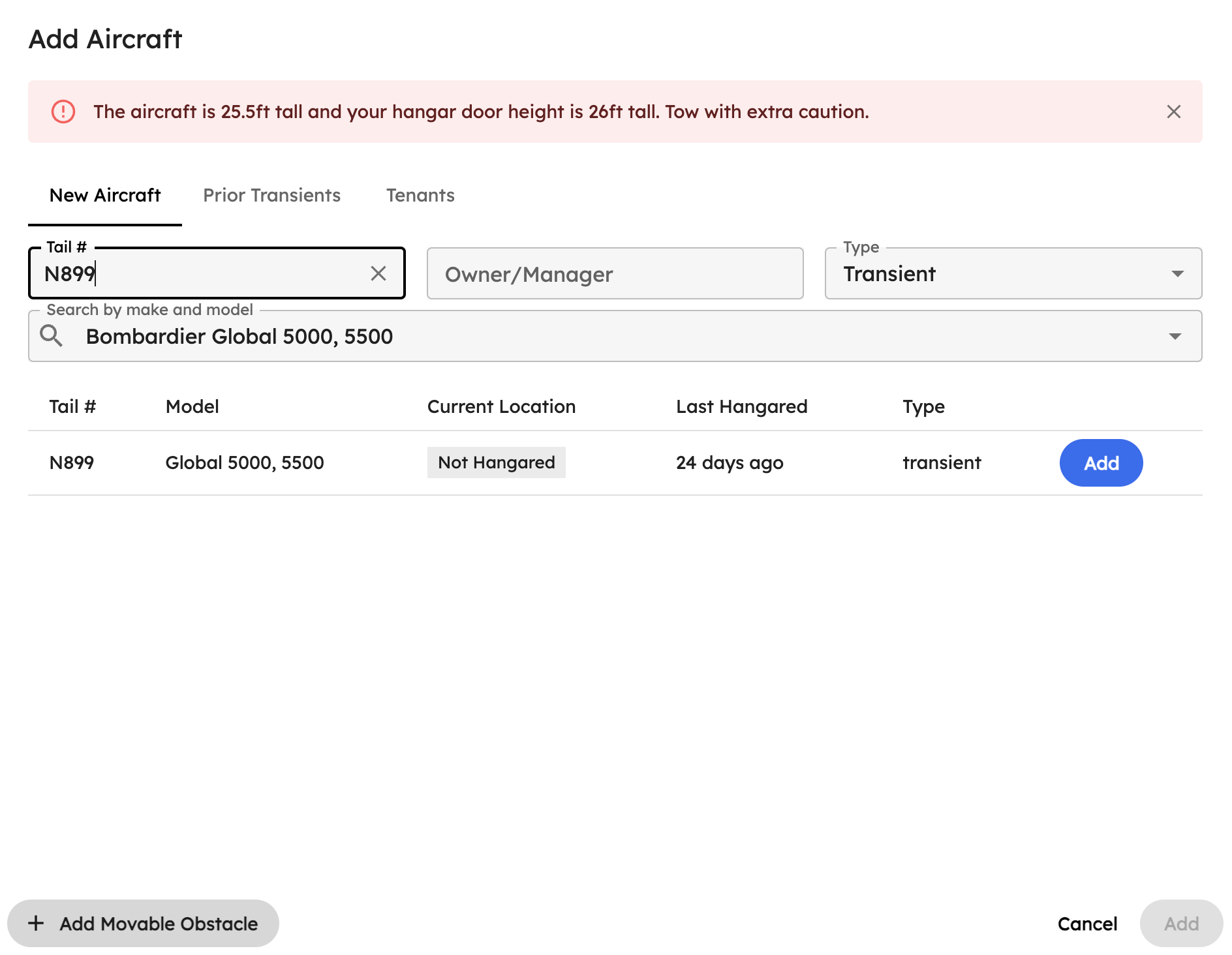
Aircraft dimensions, rules and planning conventions defined at network level.
 02
02Each base plans locally
Every location builds its own ramp and hangar plan in the same system, without asking first.
 03
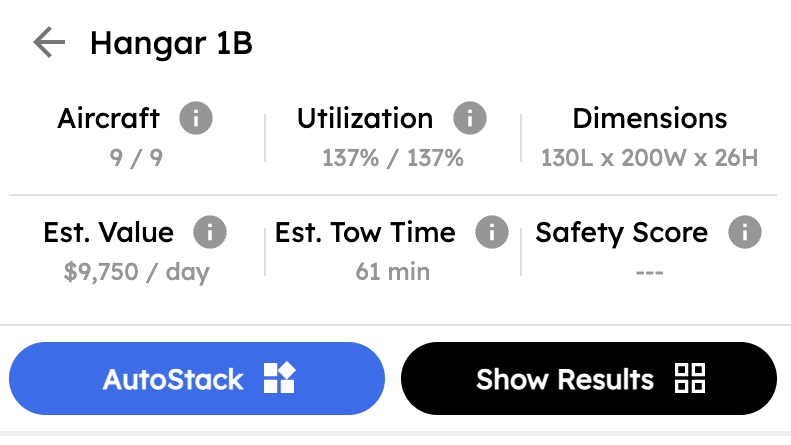
03Leadership watches capacity
Utilization and congestion across every base, without stepping into a base's day.
 04
04Add the next base
New locations come online in days, on standards the network already agreed.
01Set the standards once
Consistent, without being heavy handed
Define aircraft dimensions, rules and planning standards once, then push them across the network. Bases inherit the consistency and keep the flexibility they need, because a standard that ignores what one field is like gets quietly worked around within a month.
- Aircraft data and dimensions defined once
- Planning conventions shared across the network
- Local configuration where a base genuinely differs
- New bases inherit the standard rather than reinventing it
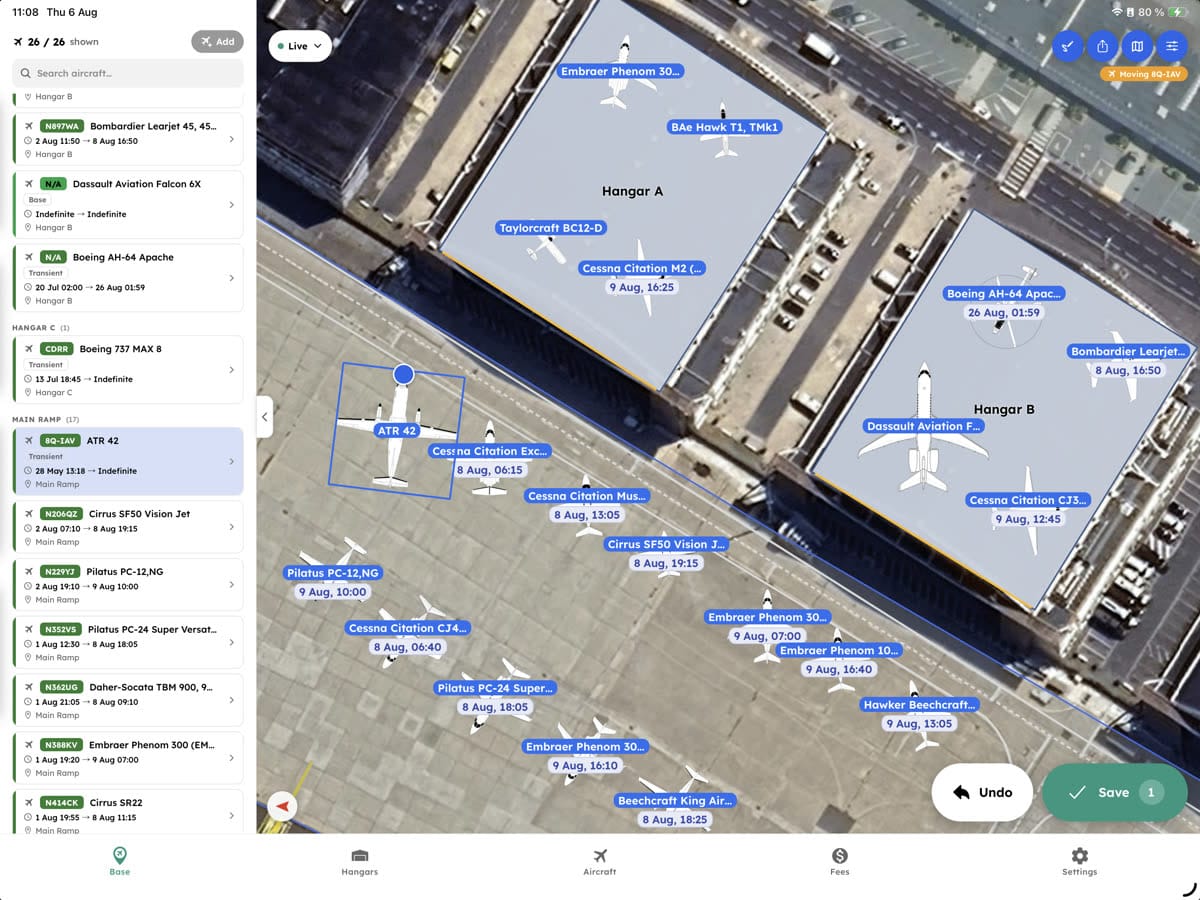
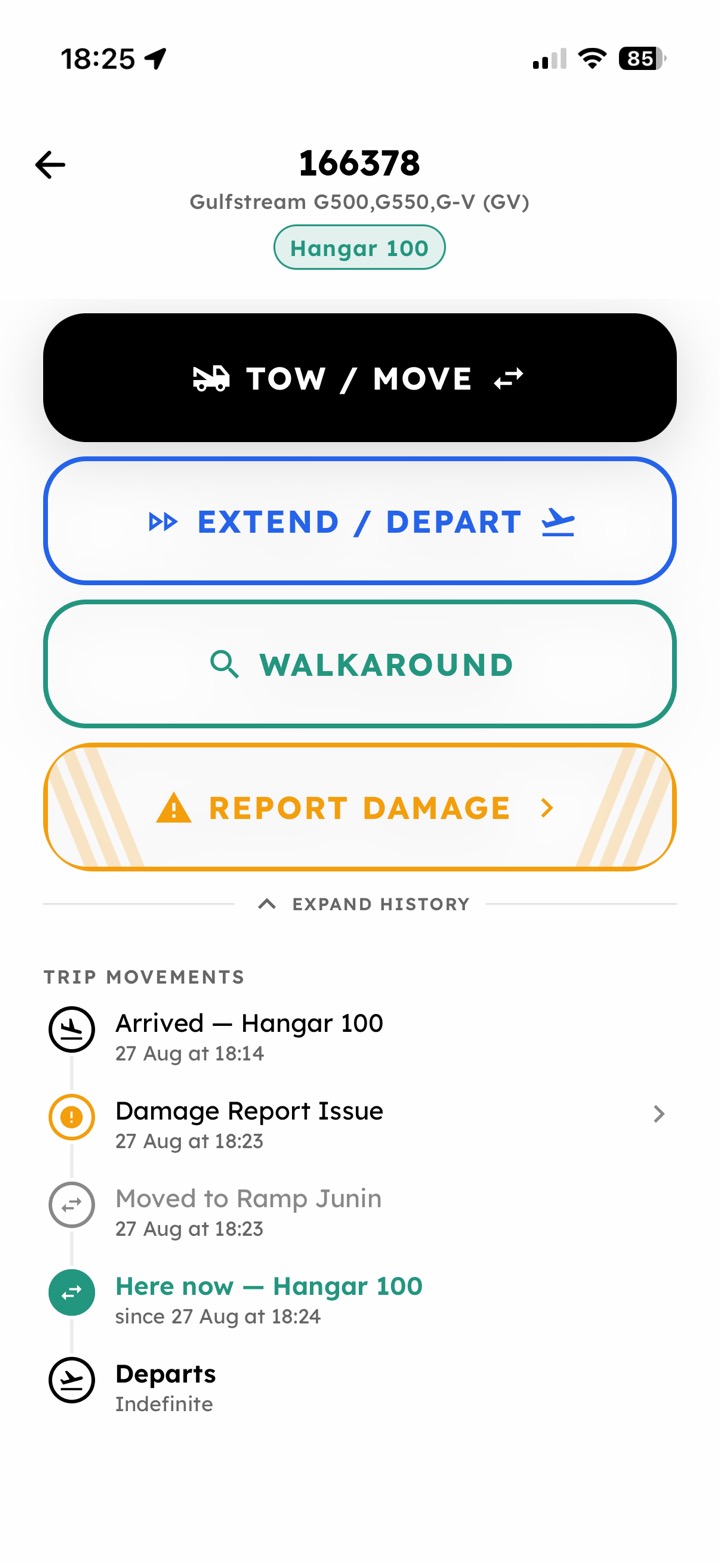
Tow complete · N143QS
Hangar B, position 4 · logged by M. Reyes
On every ramp
SOPs at everyone's fingertips
A convention agreed at network level is worth nothing if the crew at the newest base never sees it. The same aircraft-specific checklist opens on every phone on every ramp, which makes the standard the thing that gets worked instead of the thing that got circulated.
- The same checklist on every base's phones
- Aircraft data and tow limits inherited from the network standard
- Completed at the aircraft, logged the same way at every base
02Each base plans locally
Local control when you need it
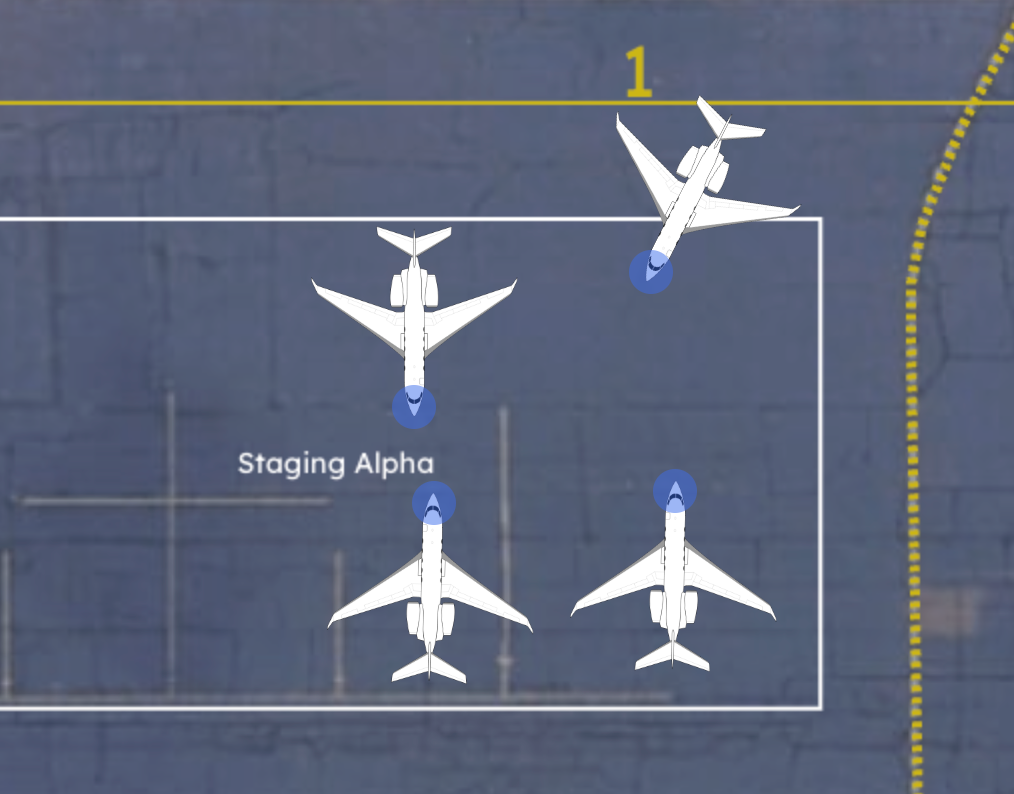
Every location plans its own ramp and hangars in the same system. No queue at head office, no central scheduling team to staff, and no base sitting on its hands at 16:00 waiting for somebody two time zones away to approve a layout.
- Local planning without a head office queue
- Each base configures its own hangars and ramp
- No central scheduling team to staff
- Leadership informed without being in the way
03Leadership watches capacity
See constraints before they become problems
Leadership gets utilization, congestion and capacity across every base, built from what the bases did rather than from what they reported on the monthly call. Trends show up while there's still time to staff for them.
- Utilization and congestion across every base
- Pressure points visible before they bite
- Trends over time, not a monthly snapshot
- Built from operational data, not self-reported numbers
04Add the next base
Evaluate your next investment
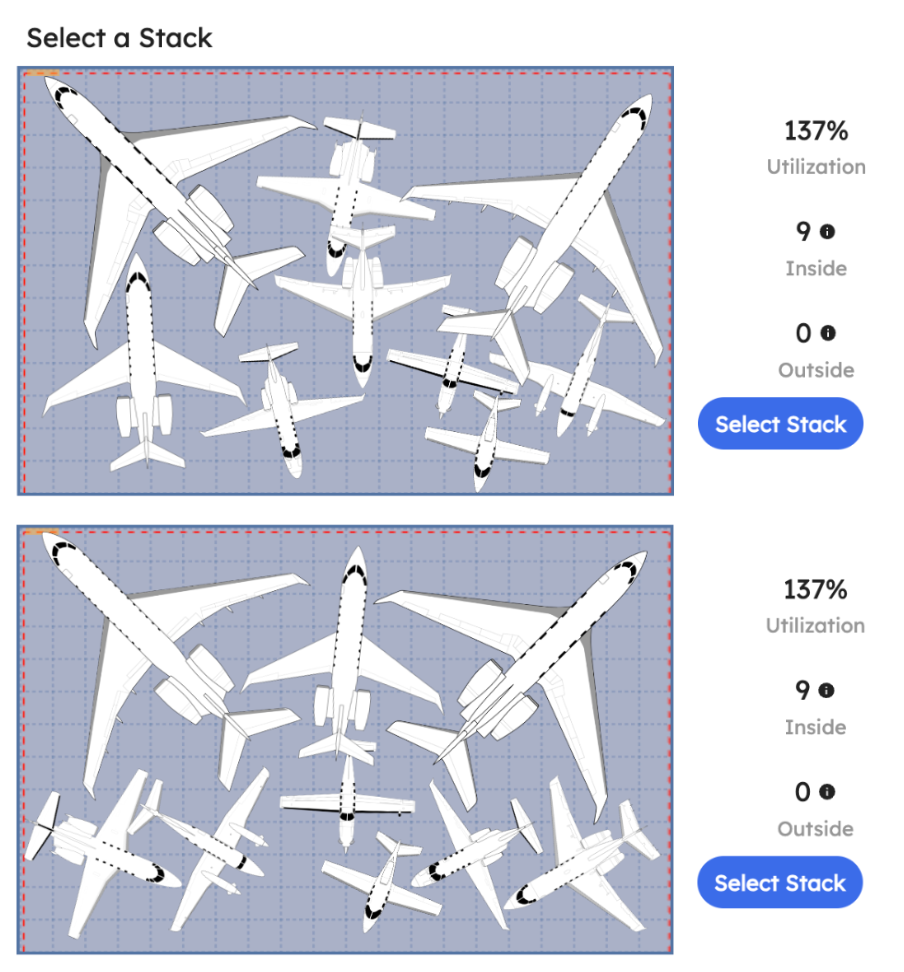
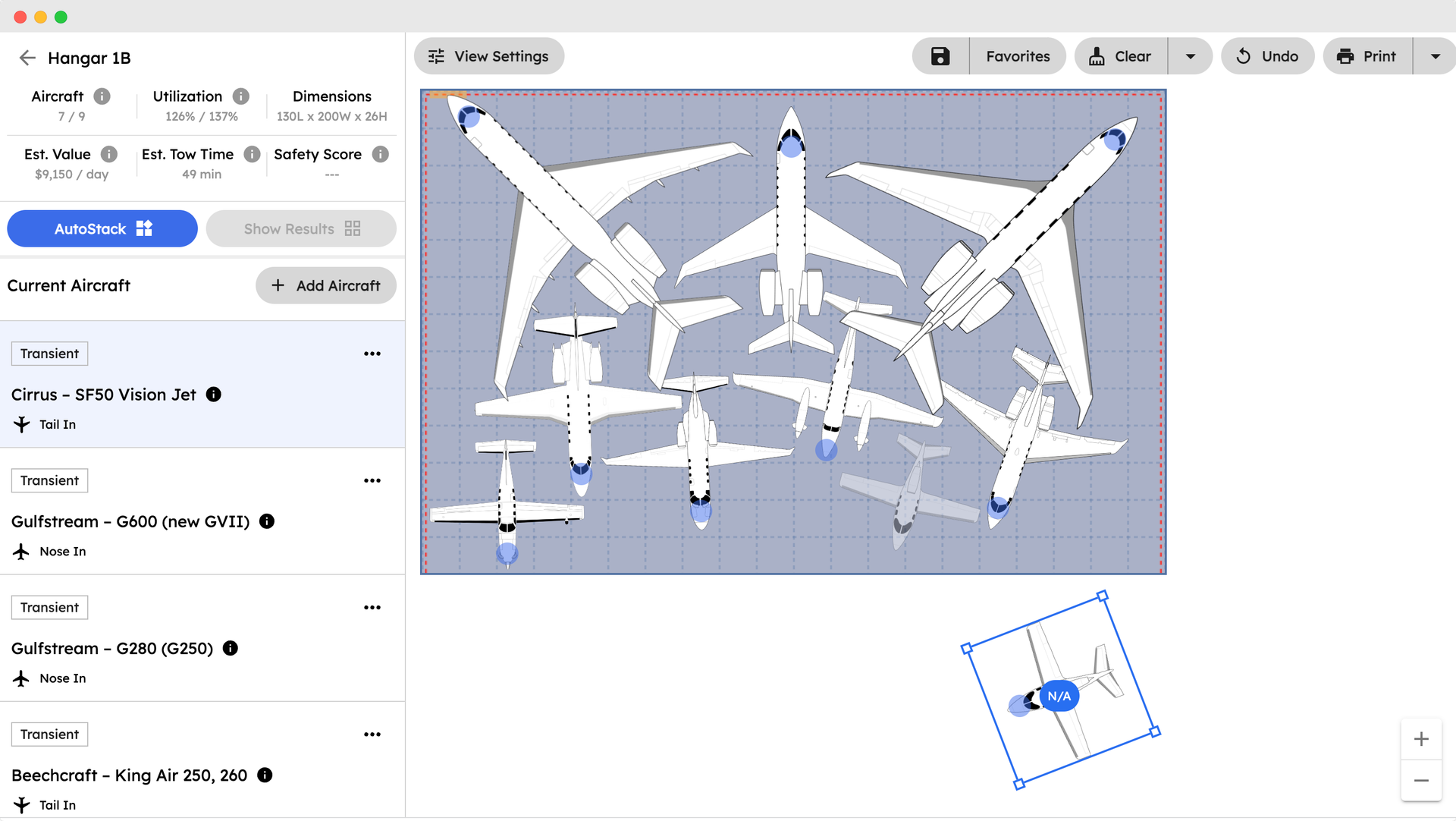
Before you sign for a location, build its hangars and ramp from the real dimensions and find out what it would genuinely hold. A site's listing tells you square footage. It doesn't tell you how many Challengers go inside once the door width and the column spacing have had their say. The same picture works whether you're expanding a base or buying one.
- What a site holds, worked out before it is yours
- Candidate locations compared on the same basis
- The ramp you would build, not the one in the listing
- A new base on network standards from day one
What it replaces
How a network usually learns what its bases are doing.
- A monthly call where every base reports its own numbers
- Spreadsheets that mean something different at each site
- Standards that live in a document nobody opens
- Head office planning ramps it has never walked
- Every new base rebuilt from scratch
- Utilization figures that arrive a month late
Getting started
Start with one base.
There's nothing to install and no server to stand up. We build the first base from its real dimensions and set the standards every other location inherits, then add them at your pace. Most bases are operational within 1-2 days, and the second one is faster than the first because the standards already exist.
- The first base built to its real dimensions
- Set standards once, use everywhere
- New bases added without disturbing the live ones
- Every location on the same version, always
Next
Frequently asked questions
How does AirPlx support multi-base operations?
AirPlx allows you to define shared standards at the network level while letting each base plan and operate independently. Leadership gets visibility without creating a centralized bottleneck.
Do bases have to change how they work?
No. Bases continue planning locally, just with better tools. AirPlx replaces whiteboards and spreadsheets without forcing new processes on the team.
How do rollouts typically work?
Networks usually start with a handful of high-traffic bases, validate standards, then expand gradually. Each base can be onboarded in days, and rollout does not disrupt existing locations.
Can different bases have different layouts and rules?
Yes. While aircraft data and core standards can be shared, each base can configure its own hangars, ramps, preferences, and constraints.
What visibility does leadership get?
Leadership can view utilization, congestion, and capacity trends across the network without interfering in day-to-day base planning.
Is this a separate product from AirPlx for FBOs?
No. AirPlx for Networks uses the same core platform, configured to support multi-base operations and network-level visibility.

Book a demo
See how AirPlx works across your network.
Start with one base. Expand when you're ready.